Open the project folder. You know the one. The graveyard of eight-bar loops, the "IDEA_final_v3" sessions, the hook that felt like the best thing you'd ever made for exactly one night. Every producer has it. And every producer knows the specific, low-grade guilt of scrolling past a track that was almost something, then quietly closing the laptop.
The frustrating part isn't that the ideas are bad. Most of them aren't. The frustrating part is that they're stuck for a reason you can't quite name, and "I'll come back to it" has slowly turned into "never." This is a practical way to take one of them, pick one, and get it over the line this weekend.
Why tracks actually stall
Tracks rarely die because the core idea is weak. They stall at a specific, identifiable gap: a piece the song is asking for that you can't easily add in the moment. Once you can name the gap, it stops being a vague creative block and becomes a task. And tasks get finished.
In practice, almost every stuck track is stuck for one of these reasons:
- It needs a part you can't play. The arrangement is calling for a piano counter-melody, a horn stab, a guitar line, and you don't play that instrument, so the section just sits there, empty.
- Nothing anchors the low end. The top is busy and bright, but there's no bassline holding it together, so the whole thing feels like it's floating.
- The drums are thin or generic. You dropped in a placeholder loop you meant to replace, the energy never lifts, and you never came back to fix it.
- It's missing a topline. The instrumental is good, maybe too good, and you've circled it for weeks because you don't know what goes on top.
- You've stopped hearing it. After the twentieth pass you've lost all perspective and can't tell whether the chorus needs a new sound or just more conviction.
A stalled track is almost never a bad idea. It's a good idea with one hole in it that you keep walking around.
The plan: one weekend, one track
Here's the workflow, and the point is that it runs entirely inside your DAW. StudioPilot is a VST3/AU plugin, so it loads on a track in Ableton, Logic, FL Studio, Cubase, Studio One, or Reaper, right next to everything you already use. No exporting to another tab, no bouncing stems out and back. You stay in the session, where the momentum is.
1. Analyze the session first
Before you add anything, run Analyze. It listens to what you already have and reads the track, tempo, key, feel, so whatever you generate next lands in the same pocket instead of fighting the project. This is the step people skip, and it's the one that keeps new parts from sounding bolted on. Thirty seconds here saves an hour of "why does this clash."
2. Add the part you can't play
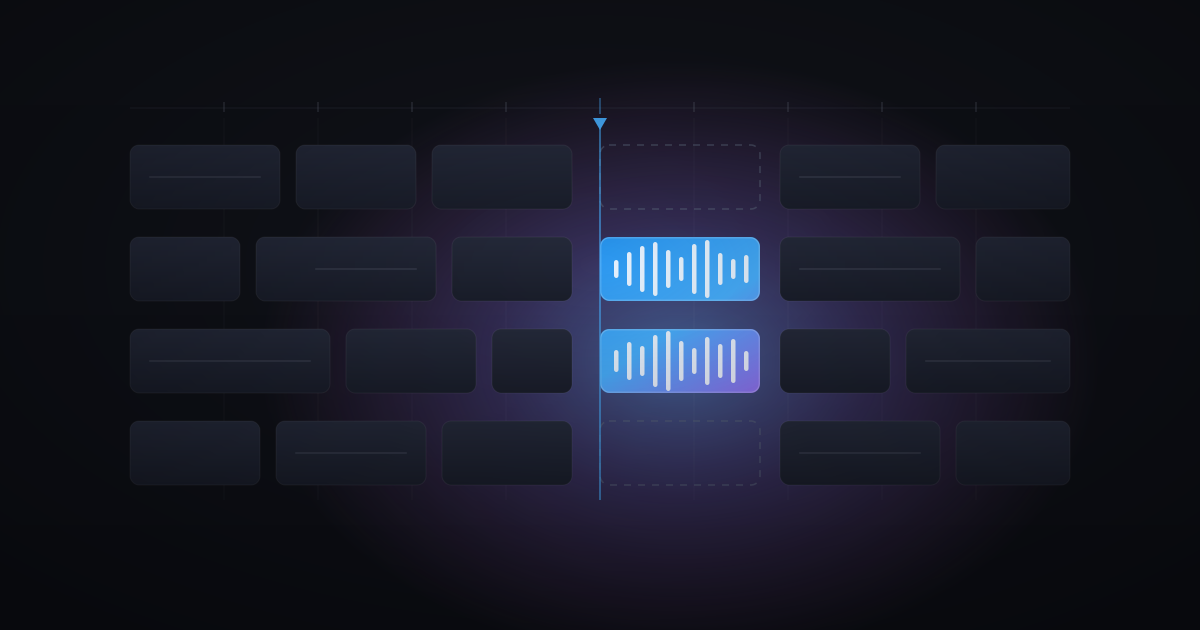
Found the empty section? Use Add Instrument. Describe the part you're hearing in your head, "warm Rhodes chords under the second verse," "a plucked synth arp," "an upright bass walking through the bridge", and let it fill the gap in key and in time. For most stuck tracks this is the single biggest unlock: the part you couldn't add because it lives on an instrument you don't play now simply exists. Drop it in, and the section suddenly has a reason to be there.
3. Fill the rhythm and the low end
If the drums are the problem, Make Beat gives you a rhythm section that actually commits, something with intent instead of the placeholder you've been tolerating. Pair it with Add Instrument for the bassline that anchors everything, and the track stops floating. When a groove is close but not quite locked, Make Loop is great for spinning up a tight, repeatable section you can build the rest of the arrangement around.
4. Get a topline down
An instrumental you love but can't top is a classic stall. Add Vocals puts a vocal idea over what you have so you can finally hear the song with something on top. Even if you re-cut it yourself later, hearing a topline in place breaks the paralysis, now you're reacting to something concrete instead of staring at silence, and reacting is far easier than inventing.
5. Explore when you're too close to hear it
Lost your perspective? Transform lets you hear the same idea pushed in a different direction, another genre, another energy, without rebuilding from scratch. Sometimes that version is the finish. More often it's the jolt that reminds you what you liked about the original, and you go back and commit to it with fresh ears.
Commit, then mix
The last mile is where tracks die, so make it a rule: once the gap is filled, stop generating and start finishing. Pick the take. Print it. Edit it into the arrangement, ride the levels, make the transitions land. Generation is there to get you unstuck, not to become a new, more interesting way to avoid finishing. The moment the hole is filled, the job changes from writing to shipping, and shipping is a decision, not a mood.
You don't need to fix the whole folder this weekend. You need one track over the line, proof to yourself that stuck is a temporary state, not a permanent one. So pick the one that's closest. Name the gap. Fill it. Finish it.
StudioPilot comes with 1,000 credits and no card required, so you can load it onto that one track, close the gap, and feel what it's like to actually export something. The rest of the folder will still be waiting. But now you'll know it can be beaten.
Make your next part inside your DAW
Generate vocals, instruments and beats without leaving your session. No card needed to start.
Start for free