StudioPilot 2.0 · OUT NOW
One studio. Four doors. Every part.
Load a file, record the DAW, make chords, or start from scratch. Describe a part, Add it, or Cover one that is already in the mix. Same account later in the plugin. 100 credits, no card. Starter is $1 this month (save $11), then $12/mo. Commercial rights come with Starter. Prices in USD.
Beat generation, vocals and instruments
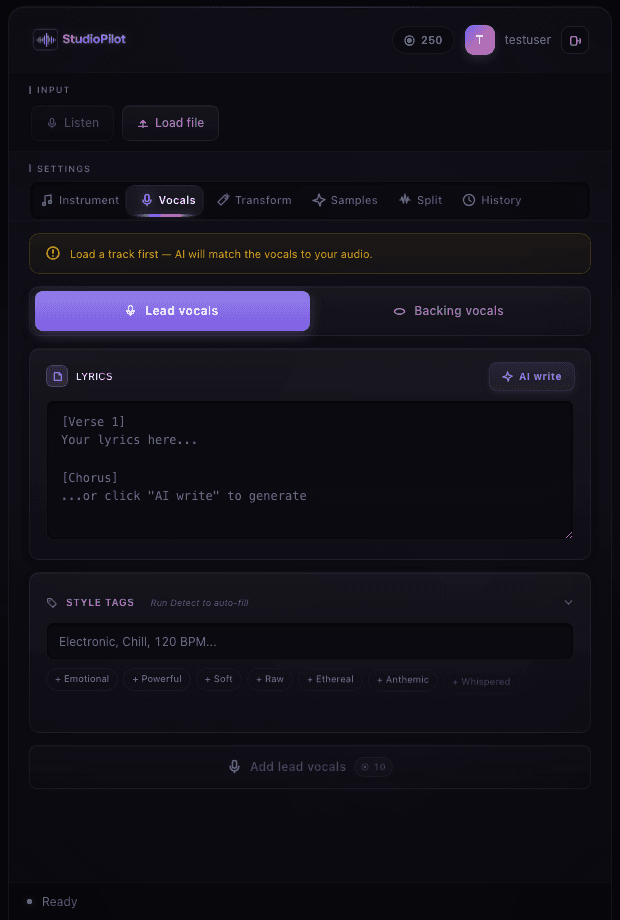
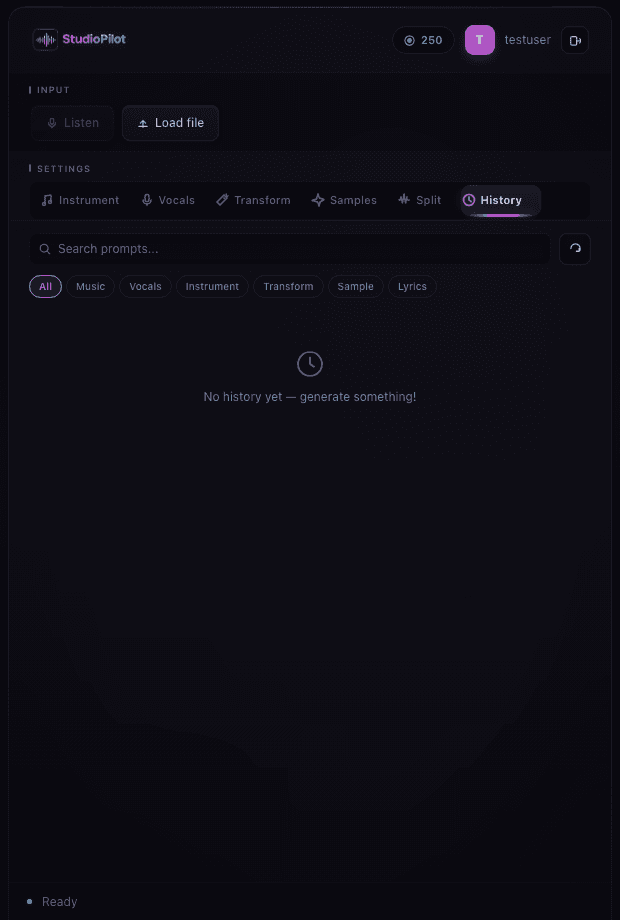
Make beat10 crStart from scratch in the studio. Pick 8, 16, 32 or 64 bars, describe the groove, press Add. That first clip sets the tempo for every layer after.Add instrument10 crPick Instrument, describe the part, press Add. Piano, guitar, bass, strings, synths: a new part over the clip you already have, in the same studio.Add vocals10 crPick Vocal, add lyrics if you have them, press Add. Sketch a topline, stack backing, or Cover a line already in the mix.Transform10 crSelect a part and press Cover. The next generate replaces that clip with a new style. The original moves to History.Make loop & samples4 crMake a one-shot or a bar-aligned loop in the studio. Describe the hit, keep it on the session BPM, drag the WAV onto a track.LibraryIncludedCovered parts land in History. Reopen a session and drag any take back onto a DAW track.AnalyzeFreeRead BPM, key, chords, genre, mood, instruments, and structure from a file or a DAW recording, so the next Add lands in time and in key.
Common sessions
Start a track
Walk in through a door, or start from scratch. Add the instrument you cannot play, then a voice on top.
Fix the middle
Cover a weak part, restyle the vibe, or Add a new vocal over the same mix.
Prep a remix
Load the clip so the panel can read BPM and key, then Add a new part or Cover one that is already in the mix.
Start for free.
100 credits, no card. Starter is $1 this month (save $11), then $12/mo. Commercial rights come with Starter. Prices in USD.